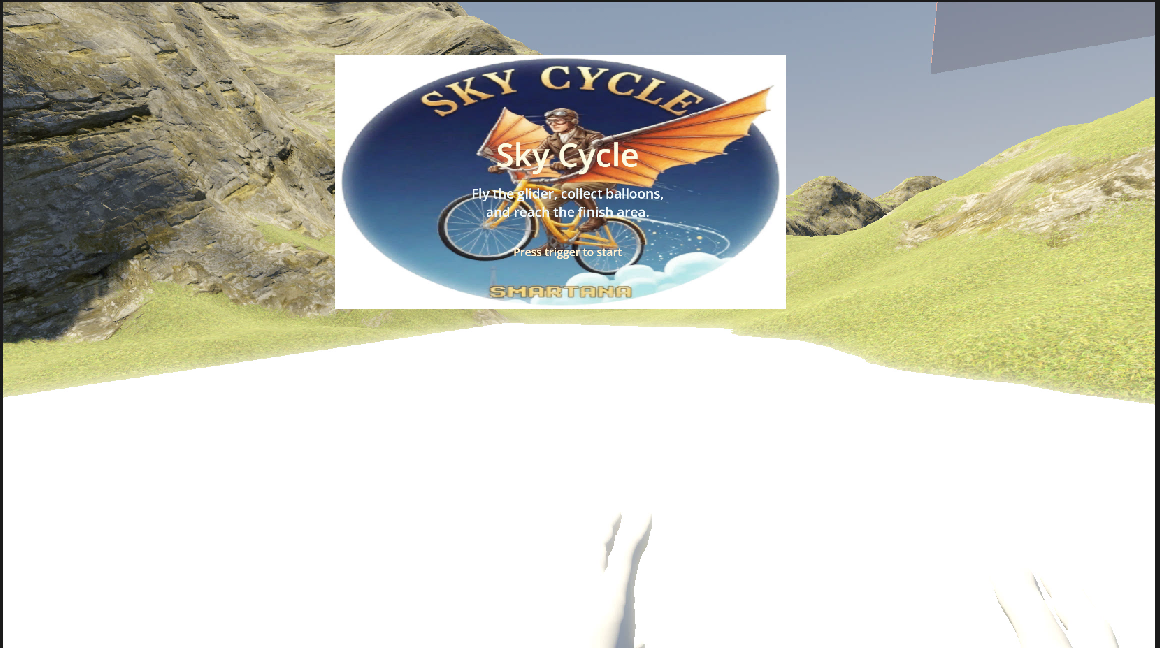
Sky Cycle
A downloadable game
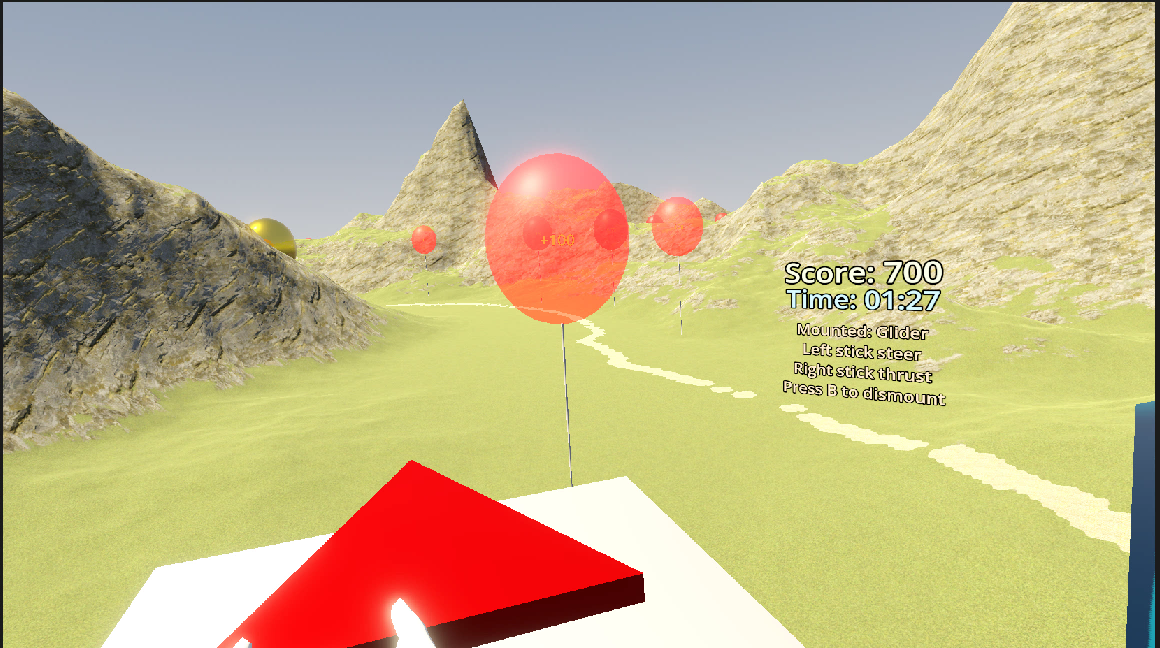
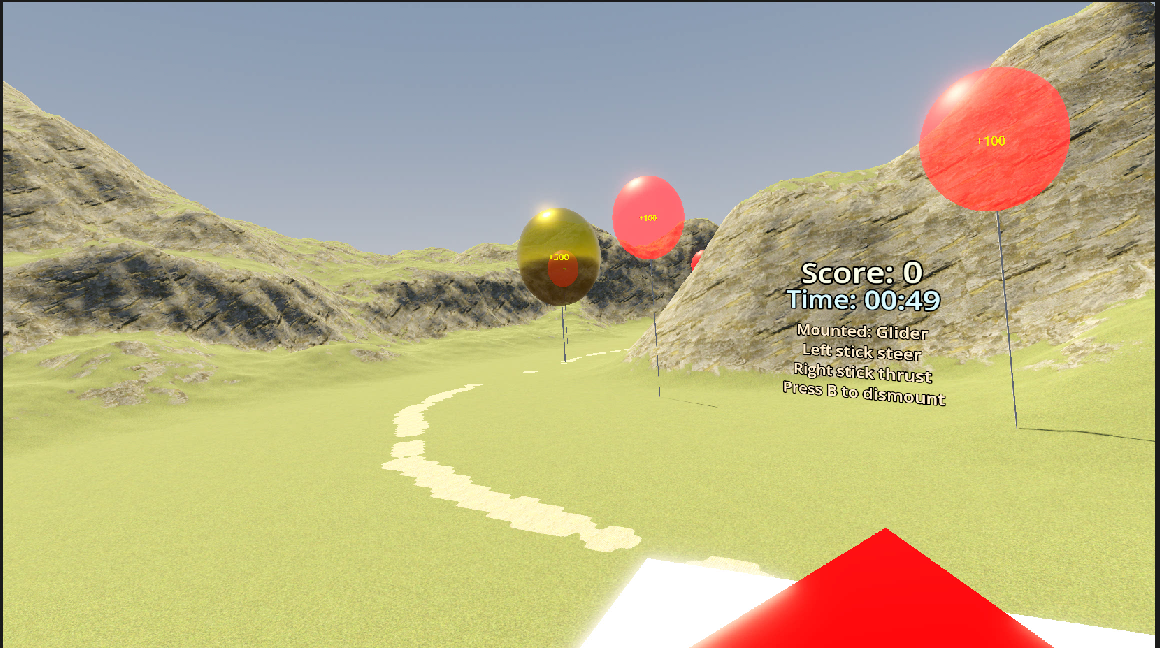
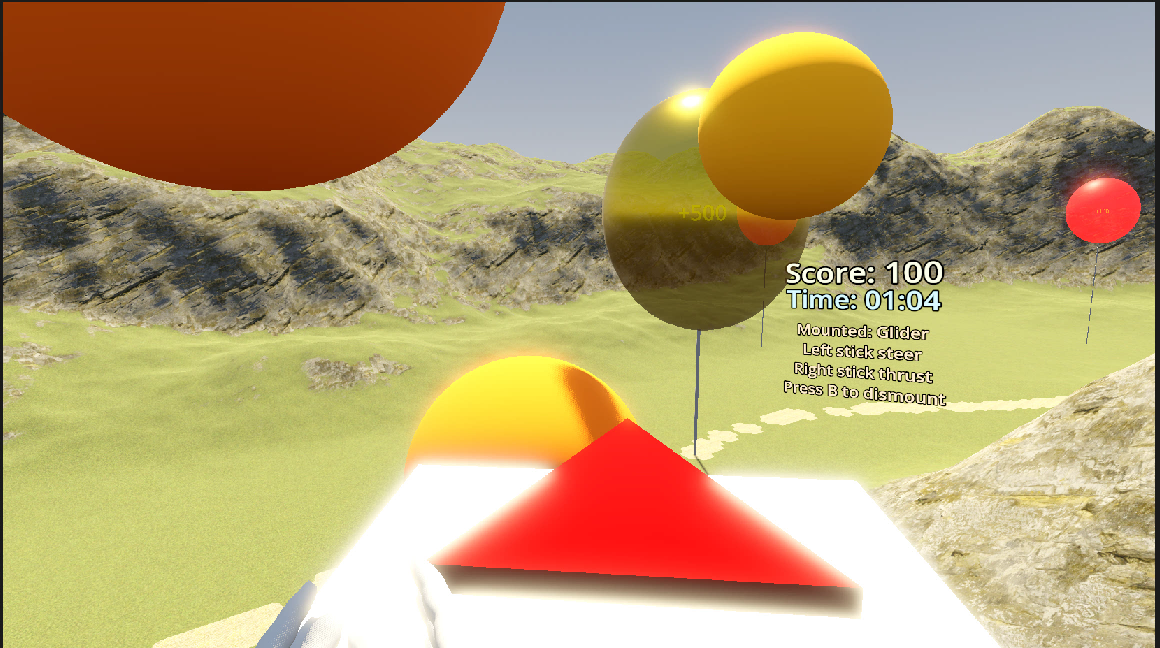
SkyCycle is a VR-based flying experience built around physics-driven gliding mechanics.
Players mount a flying cycle and navigate through the air using intuitive motion controls, inspired by the classic Prop Cycle game.
SkyCycle is an experimental VR prototype exploring physics-based flight and immersive interaction. Feedback on controls, comfort, and VR compatibility is greatly appreciated. Suggestions for features, environments, and bug reports are very welcome as the project continues to evolve.
About
SkyCycle is a physics-based VR gliding experience where you ride a flying cycle through the sky using motion controls.
Requirements
- VR headset (Meta Quest via Link/Air Link, Rift S, or SteamVR)
- Tested on Meta Quest 3 and Oculus Rift S, but should work for other headsets as well.
- Windows PC
- OpenXR runtime configured
How to Play
- Start your VR headset (Link / Air Link / SteamVR)
- Launch SkyCycle.exe
- Use motion controls to fly
Controls
Use your touch controller for the player, sky cycle and user interface.
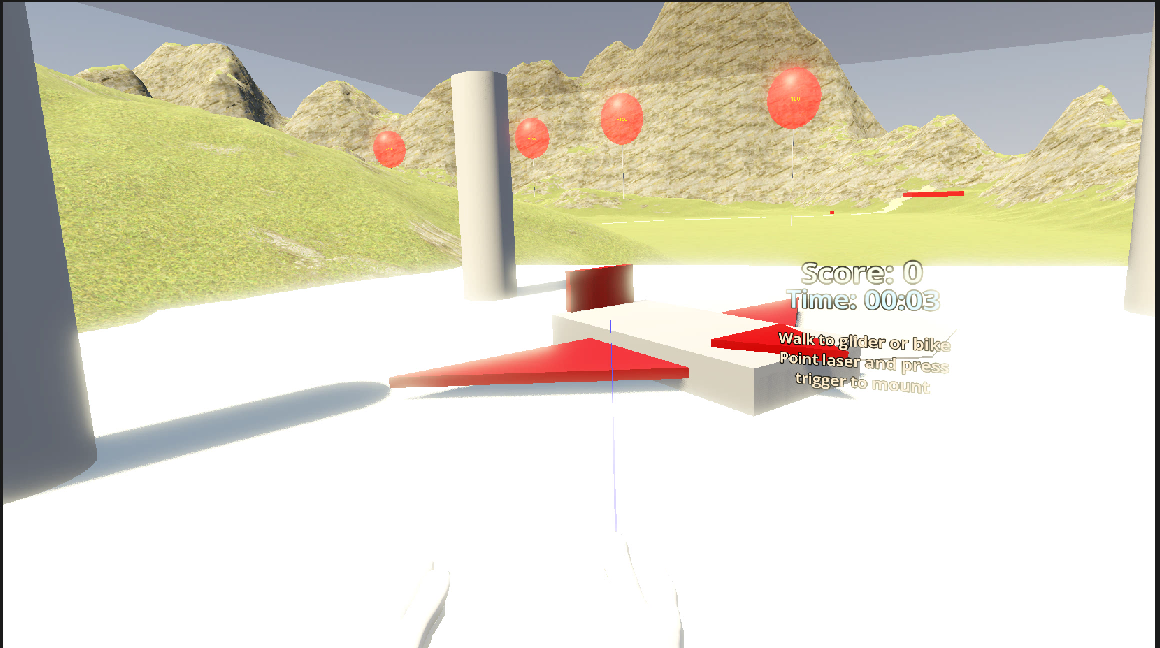
- Point the laser to the mount area. When the ray turns blue, press the trigger button to mount the sky cycle.
- Right thumbstick: Move backwards to increase thrust.
- Left thumbstick: steer the sky cycle right/left.
- Left thumbstick: steer the sky cycle up/down.
- Left controller - B button: dismount the sky cycle
- Right controller - X button: to quit the game.
Download
Install instructions
- Download the zip file and unzip SkyCycle
- Start your VR headset (Link / Air Link / SteamVR)
- Launch SkyCycle.exe